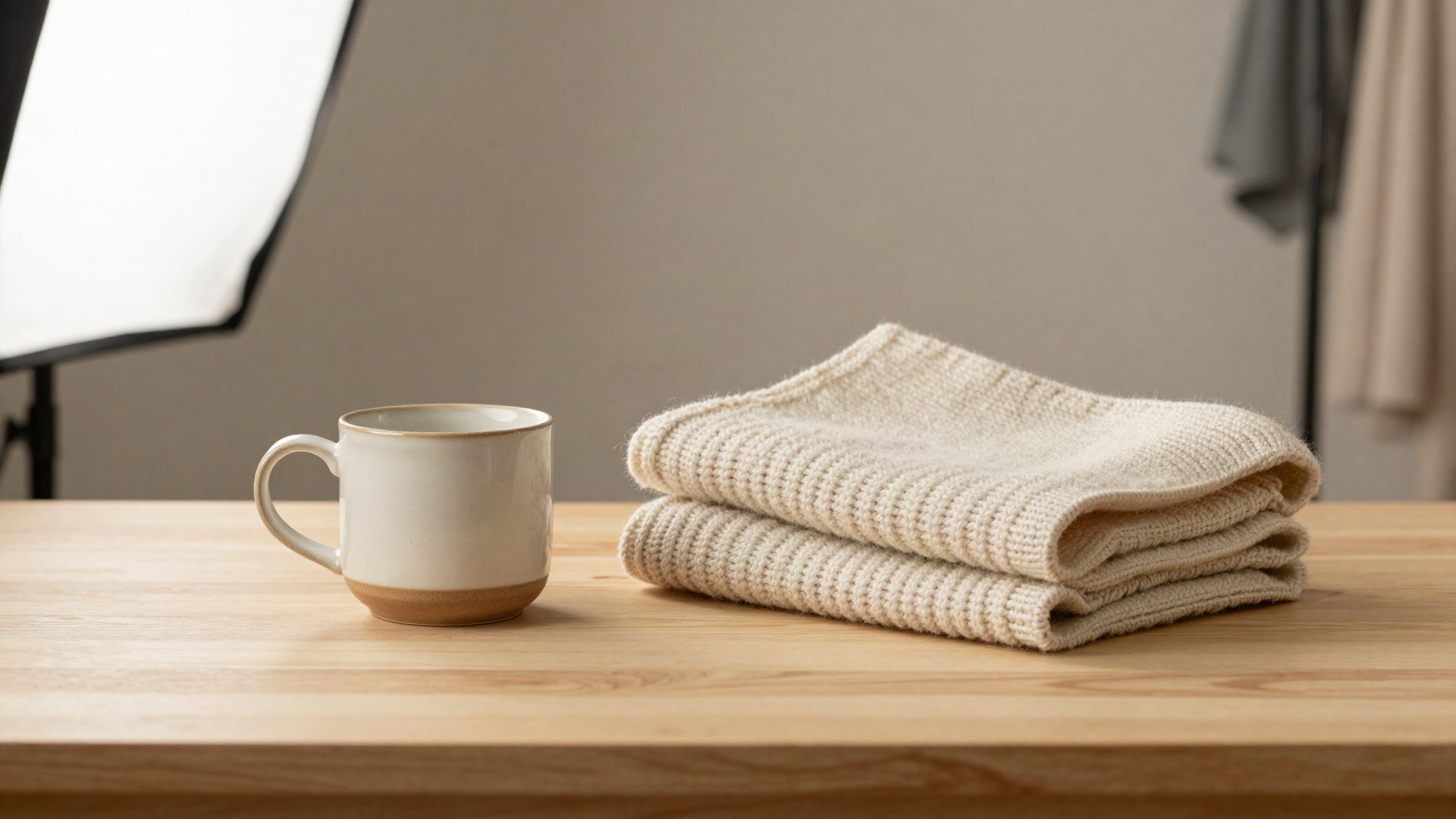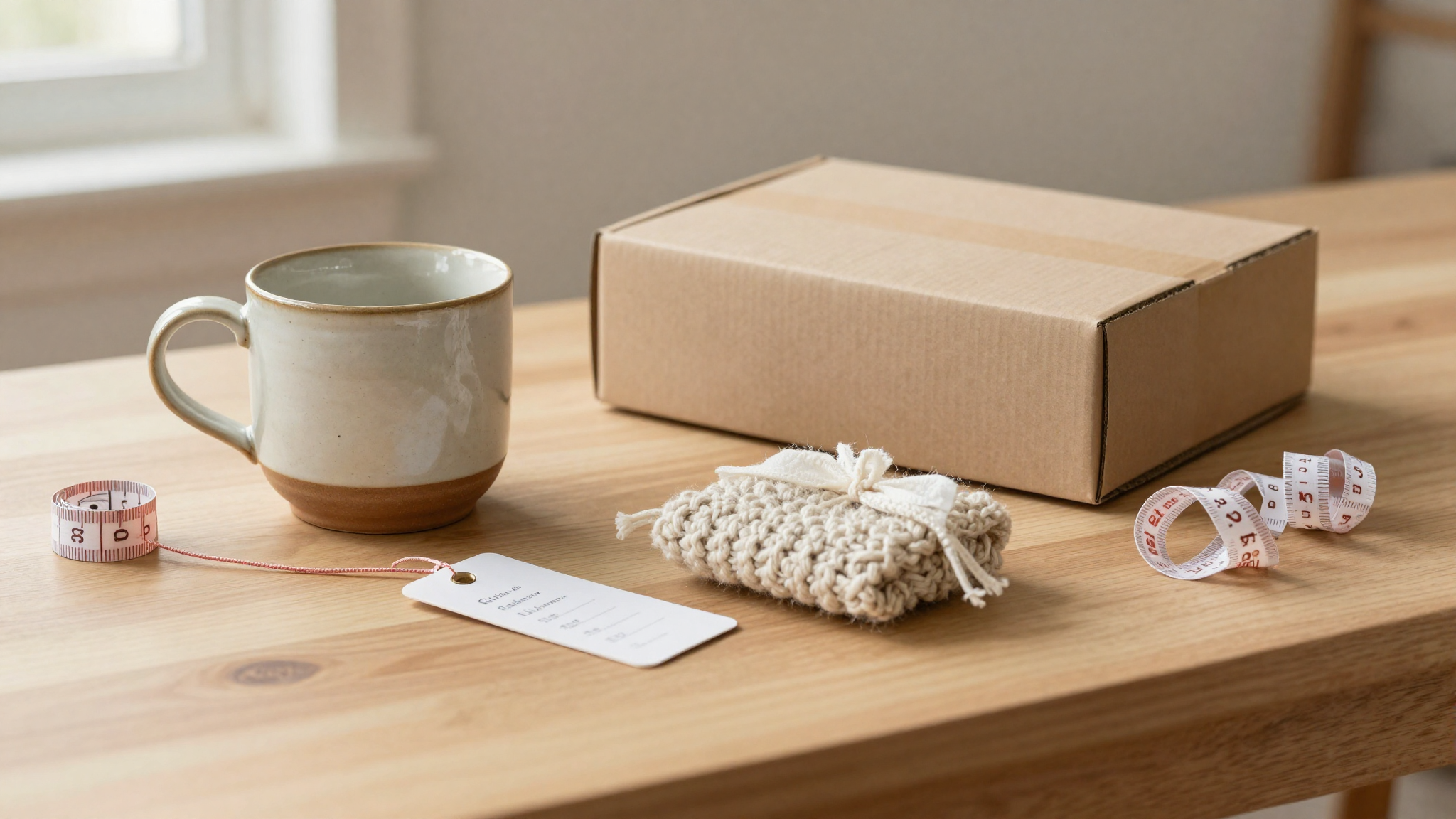

Two sellers list the same style of ceramic mug. One gets clicked, added to a cart, and bought. The other sits at the bottom of search results with zero views for weeks. The difference almost never comes down to the mug itself. It comes down to what makes a great Etsy product photo and what doesn't, because on Etsy, the photo is the first and sometimes only chance a shopper gets to trust you before they buy something they can't touch.
Etsy's own research backs this up: Etsy's Ultimate Guide to Product Photography notes that 40% of new shop owners say photography is somewhat or very difficult, yet it's the single biggest lever they have over whether a listing converts. A 2022 survey covered by Retail Technology Review found that 75% of online shoppers rely on product photos to make their purchasing decision. Shoppers aren't reading your materials list first. They're looking at the photo and deciding, in about two seconds, whether you're worth their time.
So what separates a great Etsy product photo from an average one? It comes down to seven elements you can control, regardless of what you sell or what camera you own.
Lighting Decides the Sale Before the Description Does
Lighting is the single biggest factor in what makes a great Etsy product photo, and it's also the easiest to get wrong. Harsh overhead light throws shadows across your product and makes colors look muddy. A camera flash flattens texture and washes out detail. Neither builds trust.
The fix costs nothing. Set up near a window with indirect daylight, ideally with a sheer curtain to soften it. Shoot on an overcast day if you're outdoors, since direct sun creates blown-out highlights and hard shadows. If natural light isn't available, use consistent artificial light on both sides of your product rather than mixing daylight with a lamp, because mixed light sources create two different color casts in the same frame that no amount of editing fixes cleanly.
Good lighting does something specific for the buyer: it lets them see texture, stitching, grain, and finish clearly enough that they feel like they're holding the item, not guessing at it. That confidence is what turns a scroll into a click.
The Background Has One Job: Disappear
A cluttered or busy background competes with your product for attention, and attention split is attention lost. The best Etsy photos use a background that does exactly one job: make the product the only thing the eye can land on.
That doesn't mean every photo needs pure white. A soft neutral backdrop, a piece of linen, or a simple wood surface can work well and often photographs warmer than stark white. What matters is consistency and contrast. A pale ceramic piece needs a darker or textured background to stand out; a dark leather wallet needs a lighter one. Avoid patterns, other objects, or anything that pulls the eye away from the item itself.
Composition and Negative Space
Composition is where a lot of otherwise well-lit photos fall apart. New sellers tend to center the product dead in the middle of the frame and fill every inch with it, leaving no breathing room. A stronger approach borrows from basic photography rules: position the product slightly off-center using the rule of thirds, and leave enough negative space around it that the image doesn't feel cramped.
Negative space also matters practically on Etsy, because your main photo gets cropped into a small square thumbnail in search results. If your product fills the entire frame edge to edge, cropping can cut off the very details that made it appealing. Leave margin on all sides so the image still reads clearly at thumbnail size.
Show Scale So Buyers Trust the Size
One of the most common reasons for Etsy returns is a product that looked different, or differently sized, in person than it did online. A great product photo answers the size question before the buyer has to ask it in the messages tab.
Include at least one photo that shows the item in context: a necklace on a neck, a mug next to a hand, a print framed on a wall. This single addition does more to prevent size-related disappointment than any line of text in your description, and it directly reduces the kind of mismatch that leads to refund requests and negative reviews.
Multiple Angles Build the Confidence a Single Photo Can't
A shopper who can only see the front of a bag has to imagine everything else: the back, the inside, the zipper, the seams. Imagination introduces doubt, and doubt kills conversions. Great Etsy listings show the product from several angles: front, back, a close-up of texture or detail, and the item in use.
This is exactly why Etsy allows up to 10 photos per listing, and sellers who use most of that space consistently outperform sellers who upload just one or two. Each additional angle answers a question the buyer would otherwise have to ask you directly, and every question a photo answers is one less reason for them to leave the listing and never come back.
Color Accuracy Prevents Returns and Bad Reviews
Nothing erodes trust faster than a product that arrives in a different shade than the photo promised. Editing tools make it tempting to boost saturation or warmth until a product "pops," but oversaturated photos set an expectation the real item can't meet, and that gap shows up later as a return or a review mentioning the color was off.
Shoot in light that renders true color, avoid heavy filters, and check your final edit against the actual product side by side before uploading. A photo that looks slightly less dramatic but color-accurate will earn more repeat buyers than one that looks stunning but misleading.
Consistency Across Your Shop Builds a Brand
Individually great photos still fall short if every listing in your shop looks like it came from a different seller. Buyers who click from one listing to browse your full shop are evaluating you, not just the one item, and a shop where every photo uses the same lighting style, background tone, and angle sequence reads as more professional and more trustworthy than one with a mix of styles.
Consistency doesn't mean identical. It means a recognizable visual thread: the same backdrop color family, similar framing, and a first photo that always follows the same format across your catalog. That thread is what makes a shop feel established rather than improvised, and established shops convert better.
Ready to Transform Your Etsy Product Photos?
ClickReadyAI turns one product photo into six professional, Etsy-ready images in minutes — no studio, no Photoshop, no experience required. Over 500 Etsy sellers use it to produce listing-ready images that convert.
Start your free 10-day trial — no credit card required.
Frequently Asked Questions
Do I need a professional camera to take great Etsy product photos? No. A modern smartphone camera is sharp enough for Etsy listings as long as you control lighting, background, and composition well. Most sellers get better results improving those three fundamentals with a phone than they would buying an expensive camera and shooting in poor light.
How many photos should I include per listing to make it feel complete? Use as many of Etsy's 10 available photo slots as make sense for the item. At minimum, include a clean main shot, a scale or lifestyle shot, a detail close-up, and a back or alternate angle. Listings with more angles consistently answer more buyer questions before they ever have to message you.
What's the single fastest fix if my photos aren't converting? Start with lighting. A photo shot in soft, even, natural light instantly looks more professional than the same setup shot under a flash or mixed indoor lighting, and it's the change that costs nothing but a few minutes near a window.
Should my main photo and thumbnail look different? No, they should be the same image, but you need to compose it knowing it will shrink into a small square in search results. Keep the product large enough to read clearly at thumbnail size, with enough margin that cropping doesn't cut off important detail.
Can editing fix a badly lit photo? Editing can improve a decent photo, but it can't rescue a bad one. Heavy editing to compensate for poor lighting often introduces color inaccuracy, which creates a mismatch between the listing photo and the real product and increases the risk of returns.