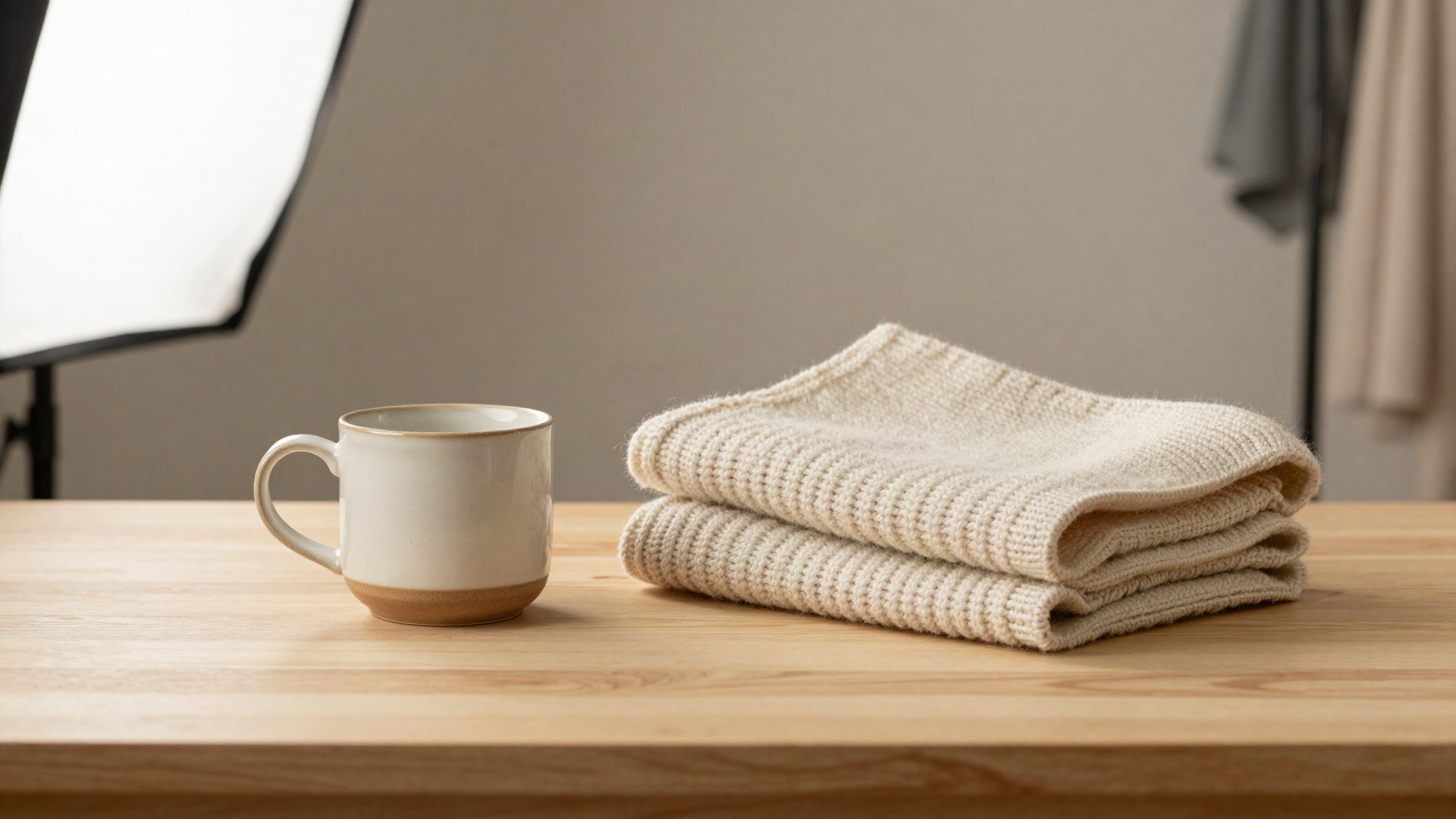
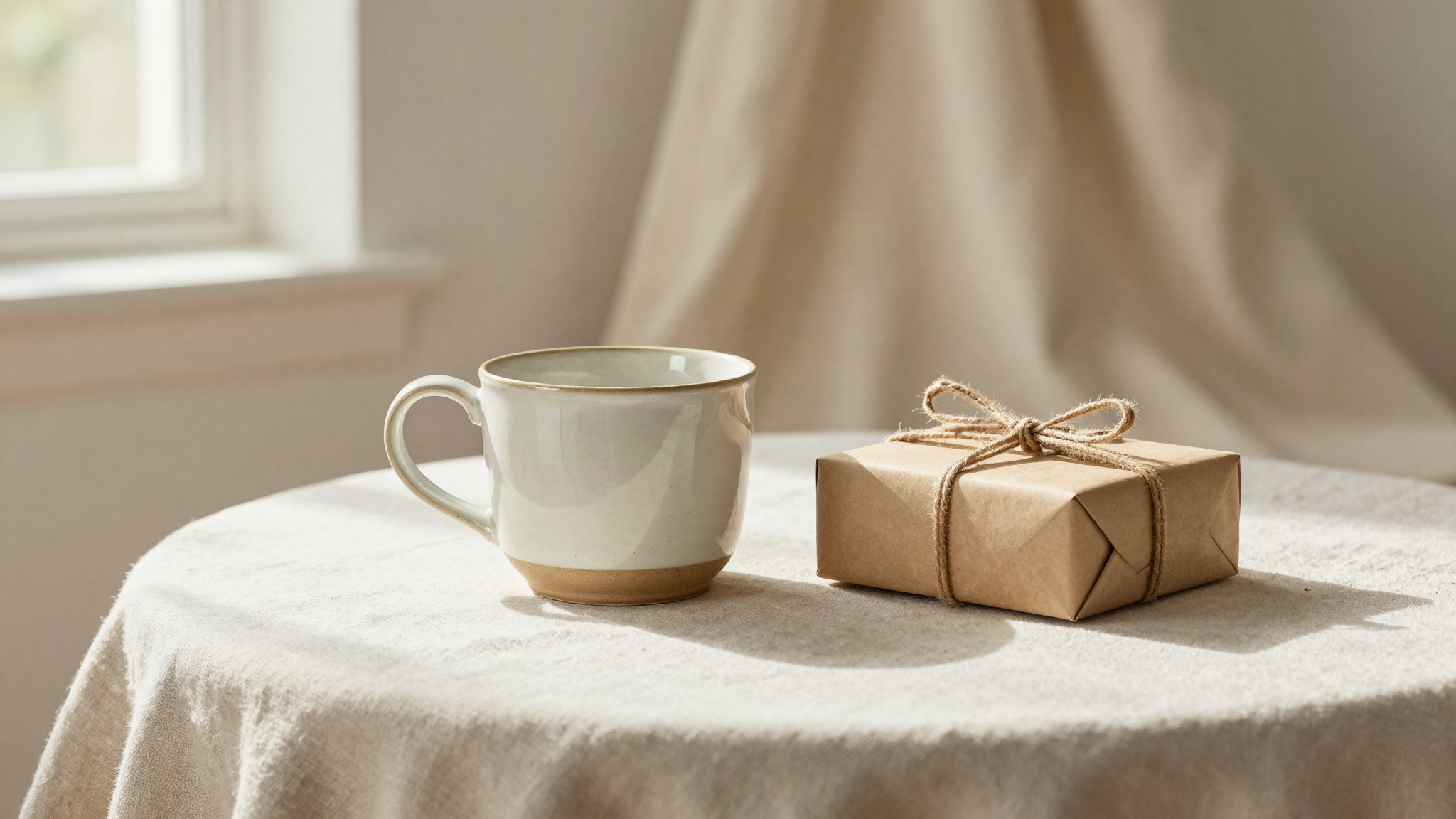
You already know your photos matter. What nobody tells you is that "good photos" and "photos that convert" are not the same thing. You can have a gorgeous shot that racks up favorites and still watch your cart abandonment stay flat, because a pretty picture and a picture that answers a buyer's real questions are two different jobs. The Etsy photography tips that actually increase conversions are not about making things look nicer. They are about closing the gap between "that's cute" and "I need to own that."
Etsy buyers cannot pick up your product, turn it over, or feel the fabric. Every question they would ask in a store, they have to answer by looking at your photos alone. If your images leave any of those questions open, the buyer does not email you to ask. They just leave. This article breaks down the specific photography choices that move a shopper from browsing to buying, with real examples you can apply to your shop this week.
Why most Etsy photos get clicks but not sales
A thumbnail's job is to earn the click. Etsy's search algorithm rewards listings that get clicked, so sellers naturally optimize their first photo for eye-catching color and composition. That part works. The problem shows up on the listing page itself, where the remaining photos have to do a completely different job: prove the product is worth the money and answer every unspoken doubt a buyer has.
Most shops treat every photo in the gallery like a thumbnail candidate. Same angle, same lighting, same "pretty" framing, over and over. A buyer who clicks through wants something different from photo two onward. They want scale, texture, the back of the item, how it looks in use, and proof that what arrives matches what they see on screen. When your gallery repeats the same shot instead of answering these questions, you get clicks without conversions. According to Etsy's own Seller Handbook, listings with a complete, varied photo set consistently outperform ones that rely on a single strong hero image, because buyers scroll through the full gallery before they decide.
Show scale so buyers stop guessing
Scale confusion is one of the quiet conversion killers. A ring, a necklace pendant, a ceramic mug, a wall print: none of these mean anything in isolation. A buyer sees a photo with no size reference and has to guess whether that pendant is delicate and dainty or bold and oversized. Guessing feels risky, and risky means "I'll think about it," which means they never come back.
Fix this with at least one photo that gives a clear size reference. Show the ring on a hand, the necklace on a neck, the mug next to a coffee pot, the print on a wall next to a doorframe or a piece of furniture people recognize. You do not need a professional model. A photo showing your product being worn or used tells the buyer more in half a second than three sentences of dimensions in your description ever will. Etsy photography tips that increase conversions almost always come back to this same idea: remove the guesswork, and you remove the reason to hesitate.
Photograph the details that justify your price
Buyers on Etsy pay a premium over mass-market alternatives because they expect craftsmanship, not because they love paying more. Your photos have to prove that craftsmanship exists. A single wide shot of a handmade leather wallet cannot show the stitching. A far-away photo of a knit sweater cannot show the yarn quality. If the buyer cannot see what makes your work worth the price, they will mentally compare you to a cheaper factory version and pick that instead.
Add close-up shots of stitching, texture, hardware, brushstrokes, or any handmade detail that a machine-made competitor could not replicate. These detail shots do double duty: they build trust in your craftsmanship, and they set accurate expectations, which lowers return requests and bad reviews later. A macro shot of a hand-painted edge or a hand-tied knot is often the single photo that turns a hesitant browser into a buyer, because it answers the unspoken question "is this actually handmade, or just marketed that way?"
Use lifestyle shots to sell the feeling, not the object
Nobody buys a candle because they want wax and a wick. They buy the feeling of a calm evening in a room that smells good. Nobody buys a hand-thrown mug because they need a vessel for coffee. They buy the feeling of starting their morning with something they chose specifically because it felt like them. Your product photos need at least one image that sells that feeling, not just the object sitting on a white background.
A lifestyle shot places your product in the environment where the buyer imagines using it. Jewelry on a person, not just on a stand. A blanket draped over a couch, not folded flat on a table. A print framed and hanging in a room with furniture around it. These shots help the buyer picture the product in their own life, which is the exact moment hesitation turns into a purchase. Keep at least one clean, well-lit product shot for clarity, and pair it with a lifestyle shot for connection. Together they cover both the logical and emotional sides of the buying decision.
Fix lighting and background before anything else
None of the tips above matter if the photo itself looks amateurish. Etsy shoppers scroll fast, and a dark, yellow-tinted, or cluttered photo signals low quality before the buyer even registers what the product is. Natural light near a window, a clean and consistent background, and true-to-life color are the baseline, not the finishing touch.
If your photos currently have mismatched lighting between listings, inconsistent backgrounds, or shadows that hide detail, fix that before you worry about lifestyle shots or detail close-ups. A well-lit photo on a plain background will always outperform a cluttered, dim one, even if the cluttered one has more "personality." Shopify's guide to product photography points out that consistent, clean lighting across a product catalog builds subconscious trust with shoppers, because it signals a seller who takes the business seriously. That trust carries directly into the buy decision.
Build a photo set that answers every question in order
Think about your gallery as a sequence, not a pile of separate images. The first photo earns the click. The second and third should confirm what the buyer expected and add scale or context. The fourth and fifth should handle detail and craftsmanship. The last one or two should show the product in use or styled in a lifestyle setting. This order mirrors how a buyer actually thinks through a purchase: first attraction, then verification, then trust, then imagination of ownership.
Sellers who upload five or six similar-looking photos are wasting slots that could be closing the sale. Etsy allows up to ten photos per listing, and each one should do a job the others do not. If you cannot describe what unique question each photo answers, it probably is not earning its place in the gallery.
Keep your photo style consistent across your whole shop
Conversion is not only about a single listing. It is also about whether a buyer trusts your shop enough to browse past the first item they clicked. Inconsistent photo styles between listings, one on a white background, the next on a wood table, the next with harsh flash lighting, make a shop feel disorganized and amateur, even if every individual product is well made.
A consistent look across your shop, matching backgrounds, matching lighting temperature, matching angles for similar product types, signals a professional operation. Buyers browsing your shop after finding one item they like are far more likely to add a second item to their cart when the whole shop feels cohesive. This is one of the fastest ways to increase average order value without changing a single product.
Ready to Transform Your Etsy Product Photos?
ClickReadyAI turns one product photo into six professional, Etsy-ready images in minutes, no studio, no Photoshop, no experience required. Over 500 Etsy sellers use it to produce listing-ready images that convert.
Start your free 10-day trial, no credit card required.
Frequently Asked Questions
How many photos should an Etsy listing have to maximize conversions? Use all ten available slots whenever you have enough real content to fill them well. Each photo should answer a different buyer question, covering the hero shot, scale, detail, and lifestyle context, rather than repeating similar angles.
Do I need professional equipment to take conversion-focused Etsy photos? No. A smartphone camera near a window with good natural light can produce strong results. The bigger factors are lighting quality, background consistency, and covering the right mix of angles, not the camera itself.
Should every photo be a clean white-background shot? No. A clean product shot builds clarity, but pairing it with lifestyle and detail shots builds trust and emotional connection. A gallery that mixes both types converts better than one that relies only on studio-style shots.
How quickly will better photos affect my sales? Many sellers notice a shift within a few weeks, since Etsy's algorithm favors listings with strong click-through and conversion rates, which creates a compounding effect as better photos earn more visibility.
Can AI-generated product photos actually increase conversions the same way real photoshoots can? Yes, when the AI tool is trained to produce realistic, Etsy-appropriate images with accurate scale, lighting, and detail. Tools built specifically for product photography, rather than generic image generators, tend to produce results that hold up to buyer scrutiny.