
You spent hours making your product. Then you set it on your kitchen counter, snapped a few photos with your phone, and uploaded them to Etsy — only to watch your listing get buried while competitors with polished, studio-quality images rake in sales. If that sounds familiar, you've probably wondered whether AI product photography for Etsy is a real solution or just another tech gimmick.
The short answer: it works, and it works well for most Etsy sellers. But there are nuances worth understanding before you commit. This article breaks down exactly what AI product photography does, where it excels on Etsy, and where its limits are — so you can make an informed decision for your shop.
What AI Product Photography for Etsy Actually Does
AI product photography tools take an existing photo of your product and transform the background, lighting, shadows, and environment around it. You get multiple professional-looking variations of that same product without setting up a studio, renting equipment, or hiring a photographer.
For Etsy sellers specifically, this matters because Etsy is a visual marketplace. Buyers scroll fast. Your thumbnail image has roughly one second to stop someone mid-scroll. A dark, cluttered, or low-contrast photo loses that moment immediately. A clean, well-lit product on a background that matches your brand and niche gives buyers confidence — and Etsy's algorithm rewards listings that earn clicks and conversions.
AI tools designed for Etsy don't just swap backgrounds. The good ones generate images sized and formatted for Etsy's listing requirements, produce multiple angles or scene variations from a single source photo, and optimize lighting so the product looks real and dimensional rather than pasted onto a stock background.
The Results Sellers Are Actually Seeing
Etsy sellers who make the switch to AI product photography consistently report a few things: more clicks on their listings, faster shop setup when launching new products, and lower stress around photo shoots.
Quantifying the impact is tricky because results depend on your product category, your current photo quality, and how competitive your niche is. A seller moving from blurry phone photos to crisp AI-generated images in a competitive category like jewelry or home decor can see meaningful click-through rate improvements. A seller who already had decent photography might see a smaller lift.
What sellers describe most often isn't a dramatic overnight change — it's the compounding effect of having consistently good images across every listing. When every product photo looks intentional, your shop looks like a legitimate brand. That perception matters to buyers, especially first-time visitors deciding whether to trust you with their money.
Where AI Product Photography Performs Best on Etsy
AI product photography for Etsy works best for certain product types and use cases. Understanding where it shines helps you set realistic expectations.
Flat, solid objects photograph exceptionally well with AI tools. Think candles, jewelry, ceramics, art prints, soaps, stationery, and similar items. These products have clear edges, consistent surfaces, and don't have complex transparency or reflectivity that trips up AI rendering.
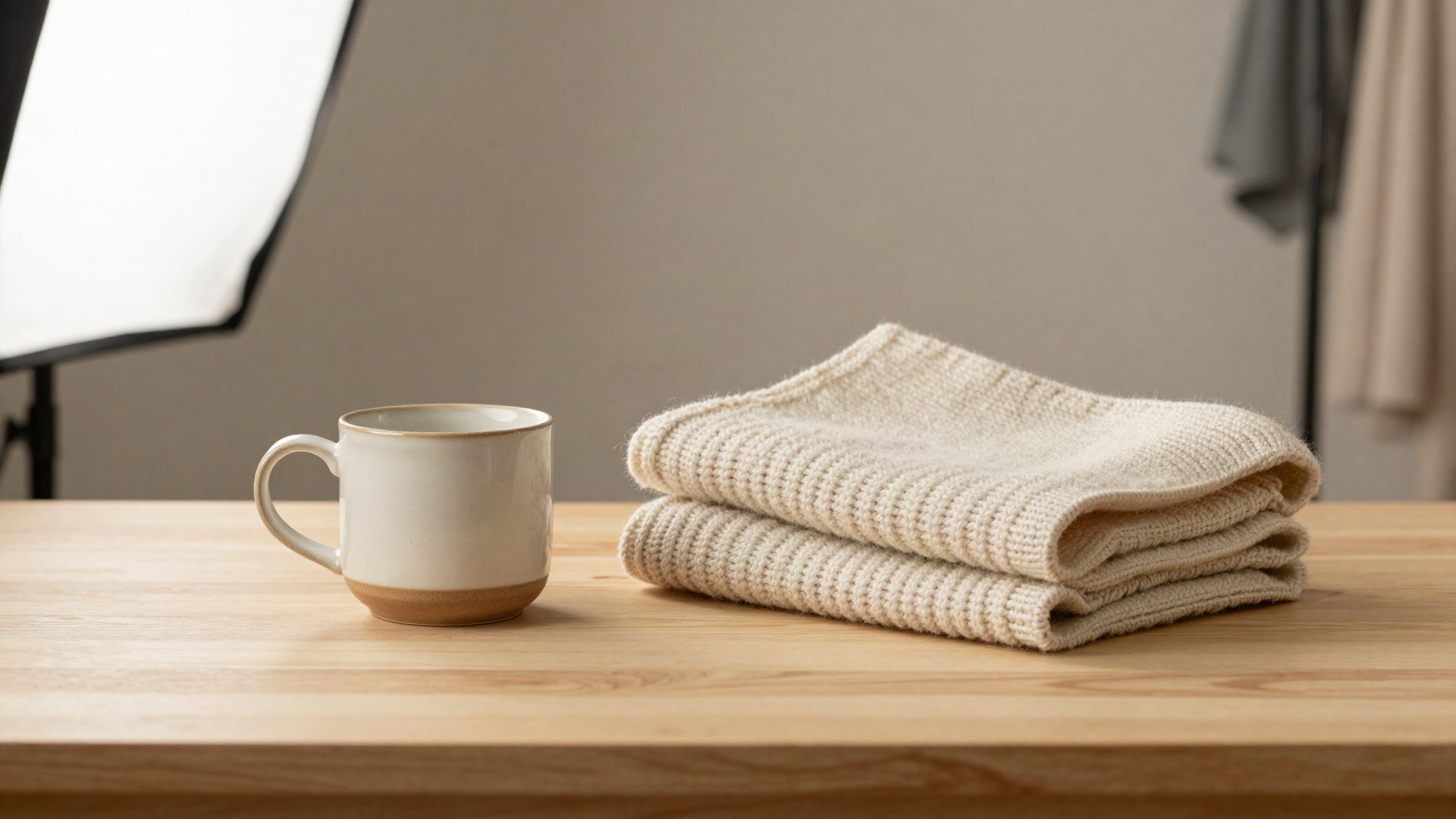
Lifestyle and scene-based backgrounds are another area where AI excels. Rather than showing your handmade mug on a white background, AI can place it on a wooden kitchen counter with soft morning light. That kind of context helps buyers visualize the product in their own lives — which is one of the strongest conversion drivers in product photography.
Speed is also a genuine advantage. If you launch new products frequently or run a shop with a large catalog, AI product photography compresses what used to be a full day of shooting and editing into minutes per product. For high-volume Etsy sellers, that time savings is significant.
Where AI Tools Have Limitations
Honest assessment matters here. AI product photography is not perfect for every scenario.
Highly transparent products — glass vases, clear acrylic items, crystal ornaments — can be challenging. The AI needs to understand how light passes through the material, and while tools are improving rapidly, complex refraction and reflection don't always render convincingly.
Textured fabrics and soft goods require careful evaluation. A knitted blanket or a plush toy has subtle depth and texture that an AI sometimes flattens or misrepresents. This doesn't mean AI photography won't work for textile products — it often does — but you should review outputs carefully before publishing.
Products that require scale context can also need extra attention. If buyers need to understand how big something is relative to a hand, a table, or a person, purely AI-generated scenes without human props may leave that ambiguous. Smart sellers solve this by using AI for most images while keeping one real-world reference photo in their listing gallery.
How Etsy's Algorithm Responds to Better Images
Etsy doesn't publish a complete breakdown of its search algorithm, but the signals that drive ranking are well-documented through seller experience and Etsy's own guidance. Click-through rate and conversion rate are two of the most important.
When your listing photo earns more clicks from search results, Etsy interprets that as a signal of quality and relevance. When those clicks turn into purchases, the signal strengthens further. AI product photography addresses click-through rate directly — better images get more clicks. It also supports conversion rate because high-quality photos reduce buyer uncertainty.
There's also a practical angle around listing completeness. Etsy recommends multiple images per listing and suggests showing different angles and contexts. AI tools make it easy to produce six or more variations from one source photo, which helps you fill out your image gallery without a multi-hour photo session.
How to Get the Best Results From AI Product Photography
Getting strong results from AI product photography starts with a decent source photo. You don't need a professional camera, but you do need a sharp, well-lit image of your product without heavy shadows or heavy clutter in the frame. A phone photo taken near a window in good natural light works well.
From there, choose backgrounds and scenes that match your target buyer's aesthetic. A rustic wood background suits a handmade pottery shop differently than a minimalist marble surface suits a modern jewelry brand. The best AI tools let you specify the scene or environment, so think about what your ideal customer's home or workspace looks like and aim for that.
Review every output before publishing. AI tools are fast, but they're not infallible. Check that product colors are accurate, that edges look clean, and that proportions feel right. A quick once-over before uploading prevents the kind of misrepresentation that leads to returns and negative reviews.
Finally, use multiple image variations. If your AI tool produces six images from one photo, use them. Put your strongest image first as the thumbnail, then use subsequent images to show different angles, close-up details, and lifestyle contexts. That gallery depth reassures buyers and gives Etsy more signals to work with.
Is AI Product Photography Worth It for Etsy Sellers?
For most Etsy sellers, yes. The combination of time savings, cost reduction compared to professional photography, and measurable improvement in listing quality makes AI product photography a practical tool rather than a luxury.
The sellers who see the most value are those who either have a high-volume catalog that makes photo shoots logistically painful, or those who are launching new products frequently and can't afford the time or cost of a photographer for each one.
The sellers who see the least value are those who already have professional photography or whose products fall into the genuinely difficult categories mentioned above. Even then, AI tools are often worth testing — the cost of a trial is low, and the potential upside is high.
AI product photography for Etsy isn't magic, but it's a genuinely useful technology that solves a real problem sellers face. Better images lead to more clicks, more conversions, and a stronger shop identity. That's a straightforward return on a modest investment.
Ready to Transform Your Etsy Product Photos?
ClickReadyAI turns one product photo into six professional, Etsy-ready images in minutes — no studio, no Photoshop, no experience required. Over 500 Etsy sellers use it to produce listing-ready images that convert.
Start your free 10-day trial — no credit card required.
Frequently Asked Questions
Does AI product photography work for handmade items on Etsy? Yes, AI product photography works well for most handmade items including jewelry, ceramics, candles, art prints, soaps, and stationery. Products with clear edges and solid surfaces produce the most accurate results. Textured textiles and transparent items may need more careful review, but many sellers in those categories use AI tools successfully.
Will AI-generated product photos get my Etsy listings removed? No. Using AI to enhance or reformat product photography does not violate Etsy's policies. What matters is that your images accurately represent the product you're selling. As long as your AI-generated images show your real product without misrepresenting its color, size, or features, you're within Etsy's rules.
How much does AI product photography cost compared to hiring a photographer? Professional product photographers typically charge between $25 and $75 per image, and a full product shoot can cost several hundred dollars. AI product photography tools generally cost a fraction of that — often $20 to $50 per month for unlimited or high-volume use — making them significantly more affordable for sellers with multiple products or frequent launches.
Can AI product photography replace all my Etsy listing photos? AI photos can handle most of your listing gallery. Many sellers use AI-generated images for five or six of their listing photos and keep one real-world reference photo that shows scale or context. That approach combines the polish of AI imagery with the practical clarity buyers sometimes need.
What kind of source photo do I need for AI product photography? You don't need a professional camera. A sharp phone photo taken near a window with good natural light works well. The key is that the product should be clearly visible, in focus, and not surrounded by heavy clutter or deep shadows. The better your source image, the more accurate and polished the AI output will be.